Review and Win UNIQLO Product
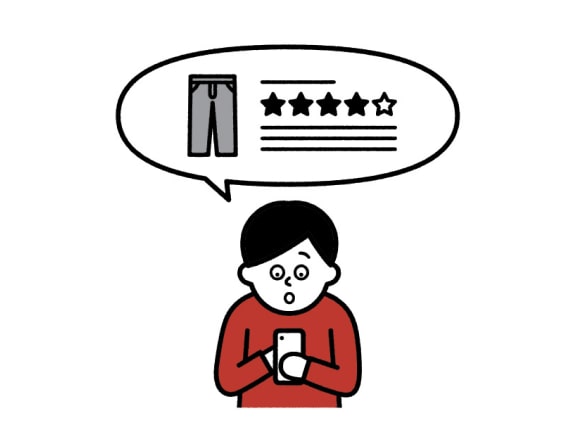
How to Review and Win UNIQLO Product?
Download UNIQLO app and leave a review.
In each month, 100 most valuable reviews will be selected to win a free, newest season UNIQLO product.

By leaving a review, you support the improvement of future UNIQLO products.
Free Products
Review Period:
1 September - 31 October 2026
Redeem Period:
- • Sep Winner: 15 October - 15 November 2026
- • Oct Winner: 15 November - 15 December 2026
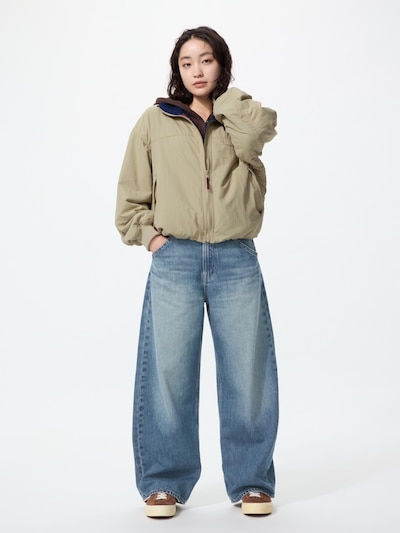
(Women) Baggy Barrel Leg Jeans
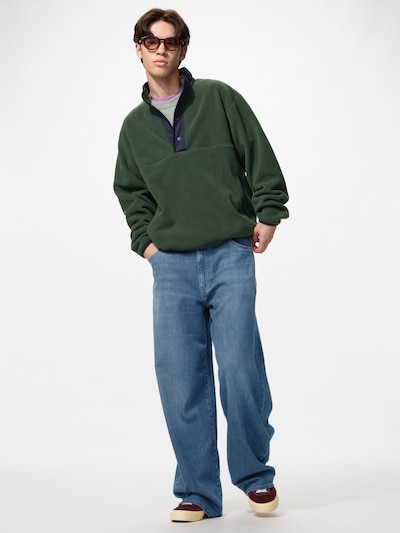
(Men) EZY Barrel Jeans
Review Period: 1-31 July 2026
Redeem Period: 15 August-15 September 2026
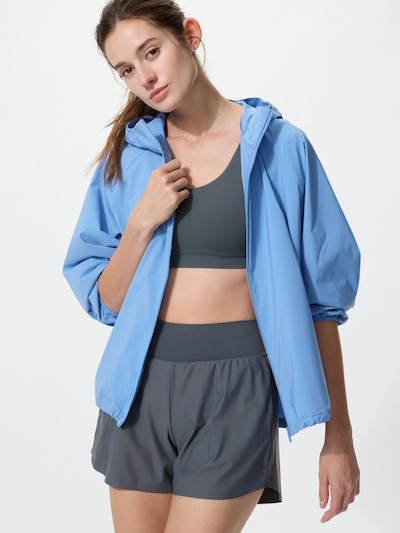
(Women) Pocketable UV Protection Parka (Water-Repellent NANODESIGN)
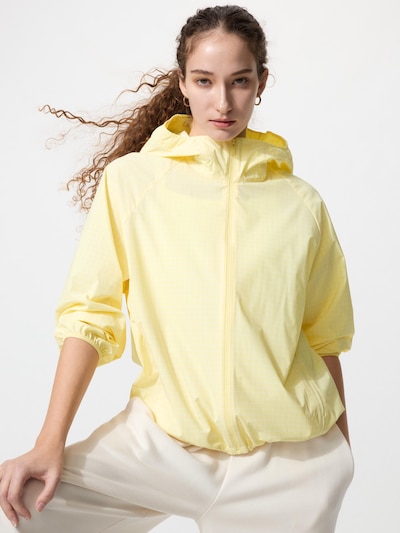
(Women) Pocketable UV Protection Parka (Water-Repellent NANODESIGN)
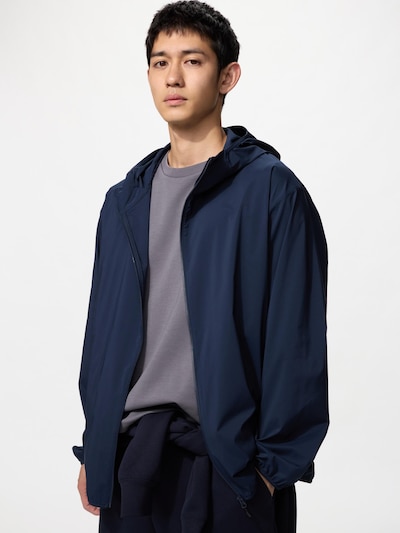
(Men) Pocketable UV Protection Parka (Water-Repellent NANODESIGN)
How to Join
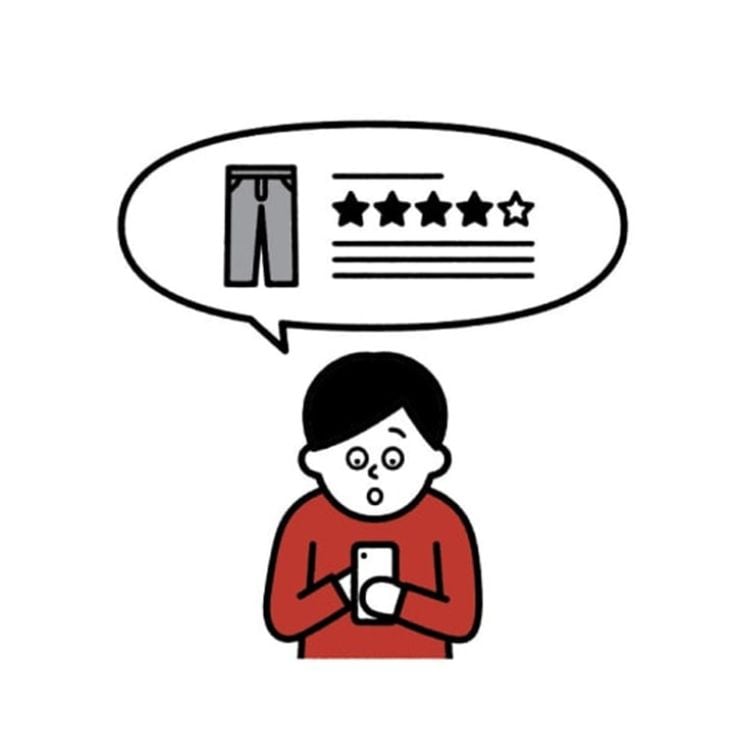
review product
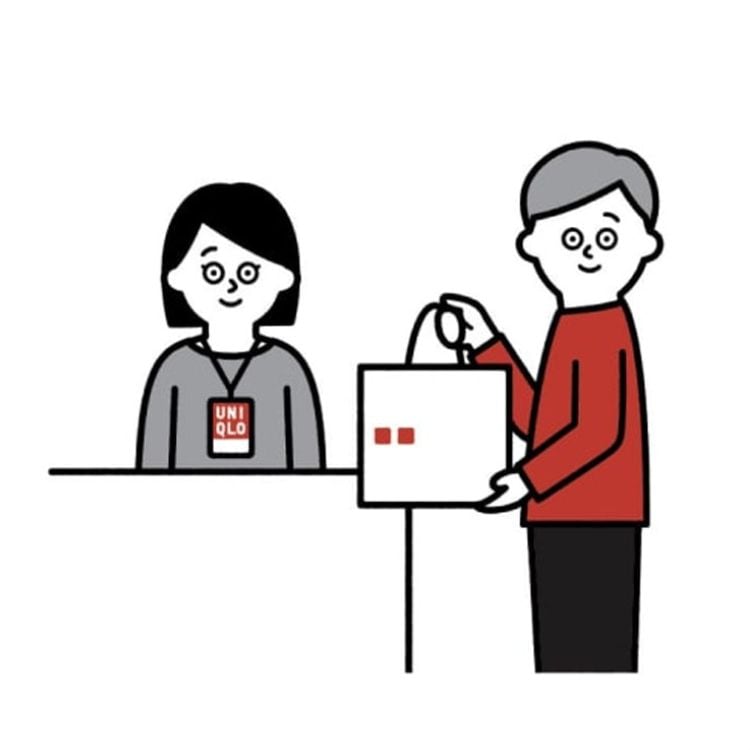
collect the free product
Step 1: Open your purchase history
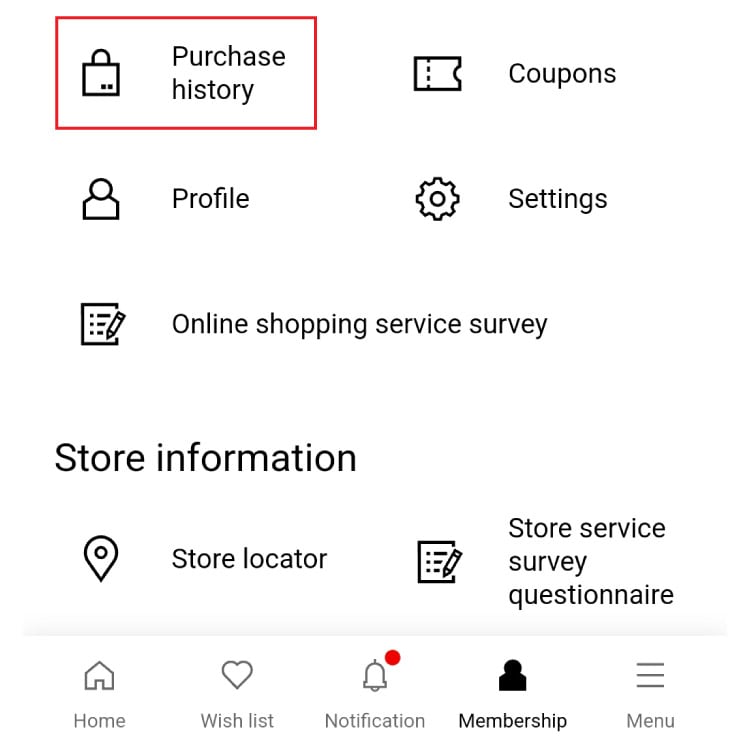
Open the UNIQLO app, go to Membership, then click Purchase History. If you’re not logged in yet, you will be asked to log in first.
Step 2: Choose a product to review
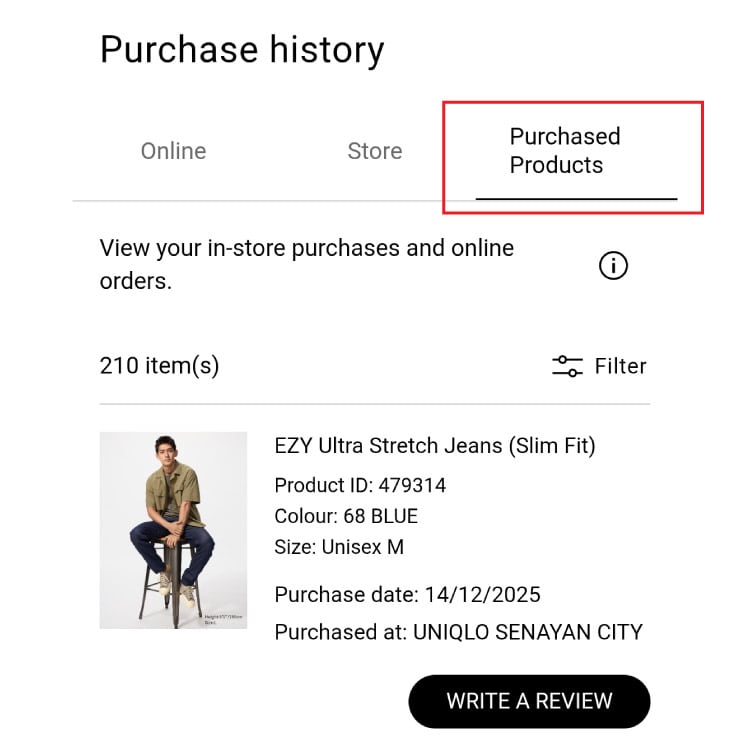
Select Purchased Products, then choose the item you want to review and click Write a Review.
Step 3: Write review
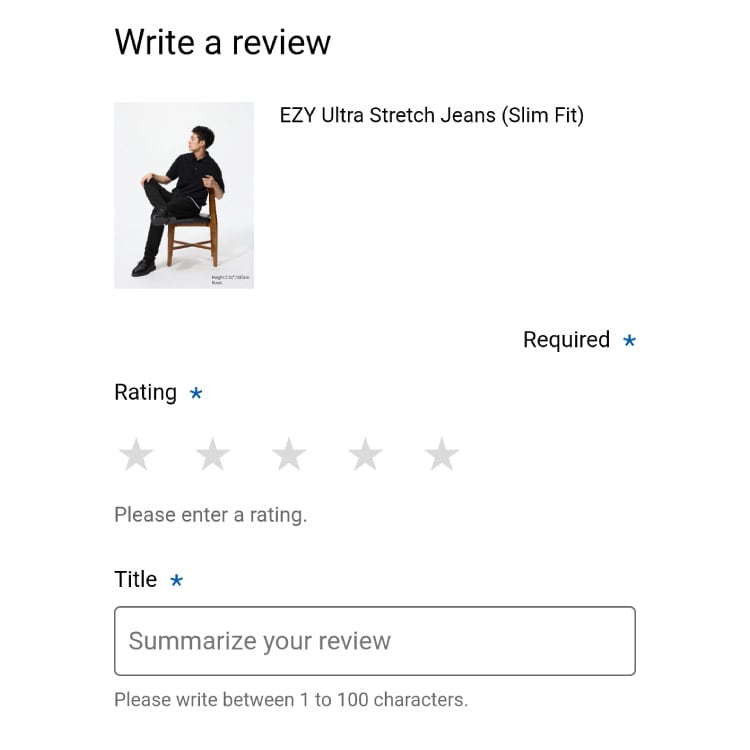
Please write a complete product review.

FAQ
All customers who have previously purchased products in-store or on the website and have submitted a UNIQLO product review.
Winners will be announced on the 15th of each month. The free product prize will vary each month.
You will receive a notification email sent to the email address registered with your UNIQLO Membership.
Go to your purchase history on the UNIQLO website or app, select the product you want to review, and click “WRITE A REVIEW.”
The review period runs monthly, with a selection of reward products that changes every month.
Please refer to the FAQ for the terms and conditions of this program.